
Best AI Headshot Generators for LinkedIn, Resume & Professional Profiles (Tested & Compared)
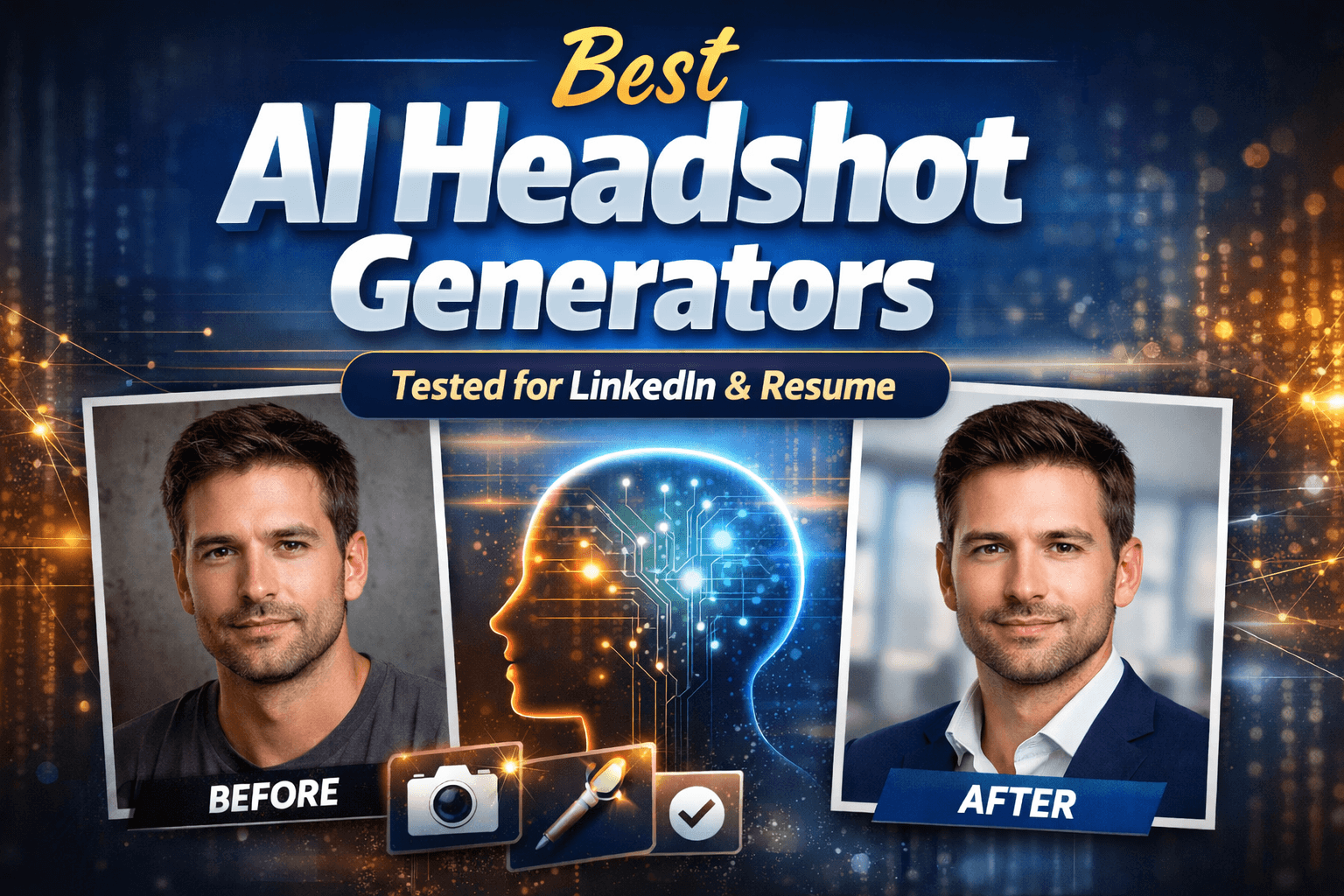
Choosing a professional headshot used to mean booking a photographer, dressing up, commuting to a studio, and paying a significant fee for a handful of usable photos.
That workflow is increasingly outdated.
Today, AI headshot generators can produce studio-quality portraits in minutes—often at a fraction of the cost. But here’s the problem:
Not all AI headshots look real. Some look overly polished, artificial, or inconsistent with your identity.
So instead of listing “10 random tools,” this article focuses on something more useful:
Which AI headshot generators actually produce realistic, professional results—and which ones are worth your time.
We tested and compared the most popular options based on realism, consistency, usability, and output quality.
The Truth About AI Headshots (Most Reviews Don’t Tell You This)
Most “best AI headshot generator” articles miss the real issue:
AI headshots don’t fail because of branding or features—they fail because of identity realism.
A good AI headshot is not just a “nice-looking photo.” It must preserve:
-
Your facial identity consistency across outputs
-
Natural skin texture (not plastic-like smoothing)
-
Realistic lighting and shadows
-
Professional framing (like a studio shoot)
If any of these break, the image instantly feels “AI-generated.”
This is why many tools look good in previews but fail in real-world use cases like LinkedIn or resumes.
We Tested 5 AI Headshot Generators (Here’s What Actually Matters)
Instead of judging based on marketing claims, we evaluated each tool using real output scenarios:
-
LinkedIn profile photo use case
-
Resume headshot suitability
-
Business branding consistency
-
Casual vs corporate tone accuracy
What actually determines quality:
1. Identity Consistency
Does the face stay recognizable across different outputs?
2. Lighting Realism
Does the lighting behave like a real studio environment?
3. Expression Naturalness
Do the expressions feel human or staged?
4. Background Integration
Does the background match professional photography standards?
These four factors separate “usable AI headshots” from “obvious AI images.”
Best AI Headshot Generators (Ranked by Real Output Quality)
Below is our ranking based on output realism and practical usability—not hype.
🥇 1. Visualero AI Headshot Generator
Best overall for realistic professional headshots
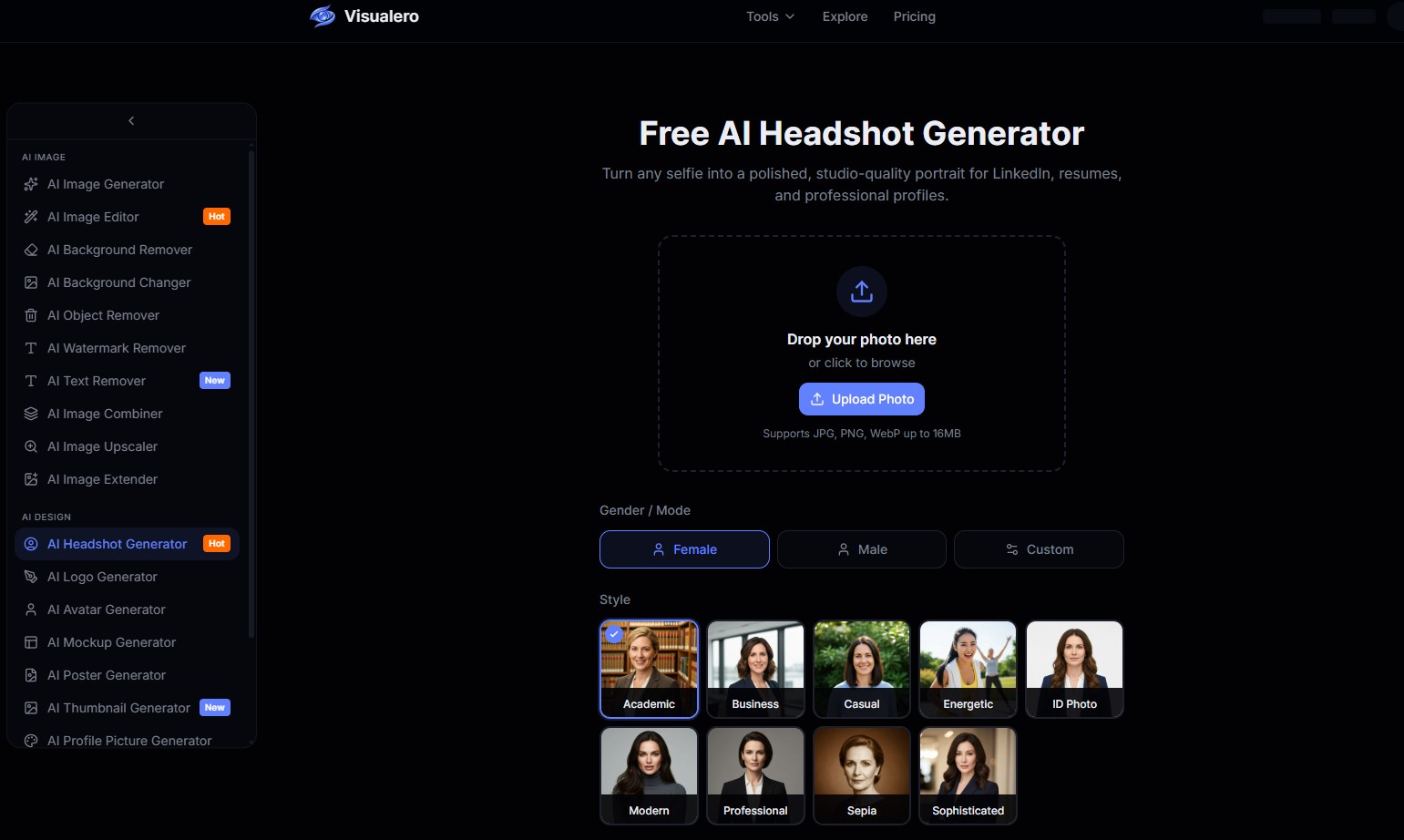 Visualero stands out for one key reason: balance.
It produces headshots that look naturally shot in a studio without over-editing facial features.
Pros
-
Highly realistic facial structure retention
-
Clean, professional lighting styles
-
Strong LinkedIn and resume suitability
-
Consistent identity across outputs
Cons
-
Style variety is more conservative compared to creative-focused tools
-
Requires good input photos for best results
Best for
-
Job seekers
-
LinkedIn optimization
-
Personal branding
-
Freelancers and consultants
🥈 2. Aragon AI
Best for corporate-level professional headshots
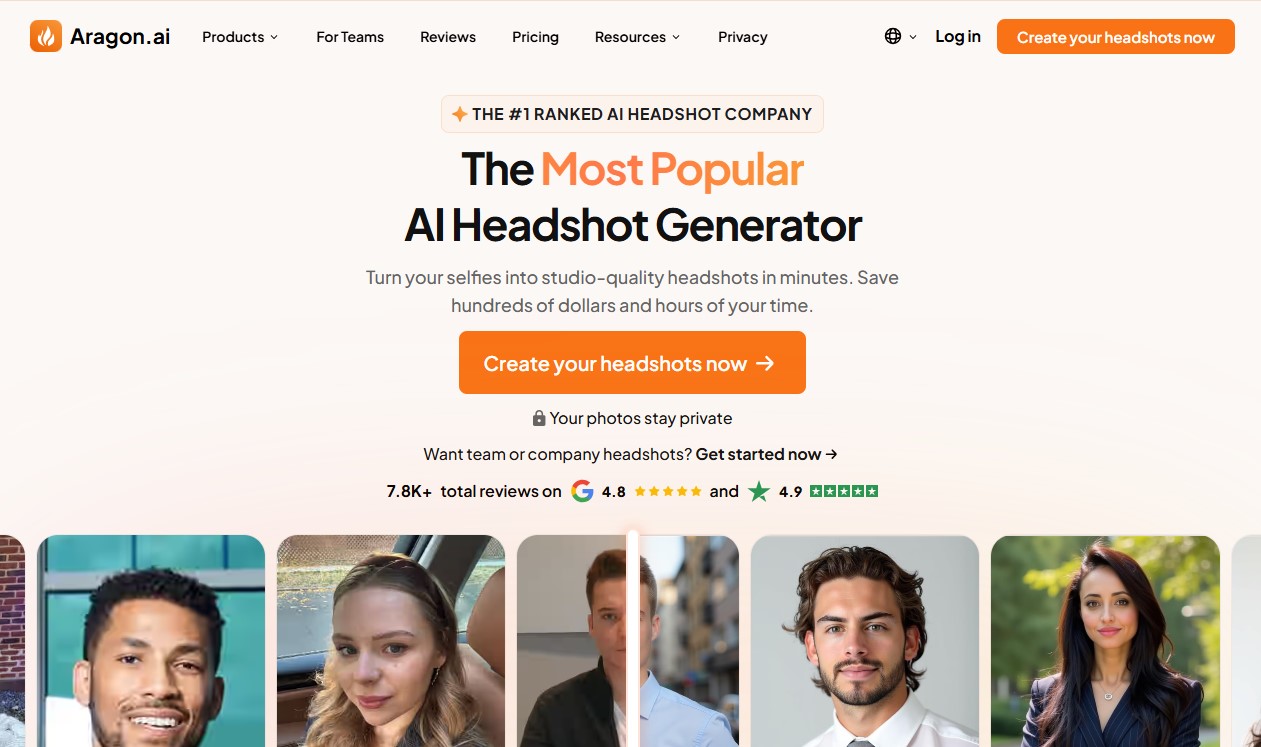 Aragon AI is widely used for corporate-style portraits and tends to produce more “polished” business imagery.
Pros
-
Very strong corporate aesthetics
-
Good lighting simulation
-
Reliable output quality
Cons
-
Slightly less natural in casual settings
-
Higher pricing compared to alternatives
Best for
-
Corporate professionals
-
Executives
-
Formal LinkedIn profiles
🥉 3. HeadshotPro
Best for teams and bulk generation
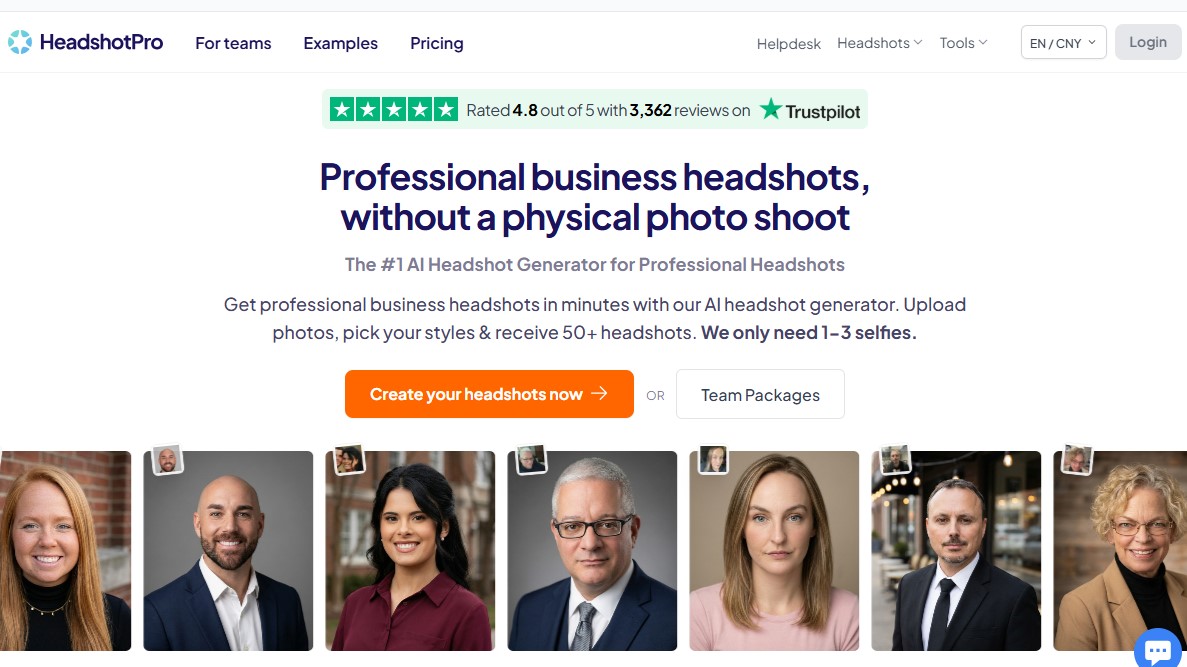 HeadshotPro focuses on batch generation, making it ideal for companies or teams needing consistent branding.
Pros
-
Efficient bulk processing
-
Consistent style across multiple users
-
Business-friendly workflow
Cons
-
Less personalization per image
-
Some outputs feel templated
Best for
-
Startups
-
Remote teams
-
Company-wide branding
4. TryItOn
Best for fast and simple AI headshots
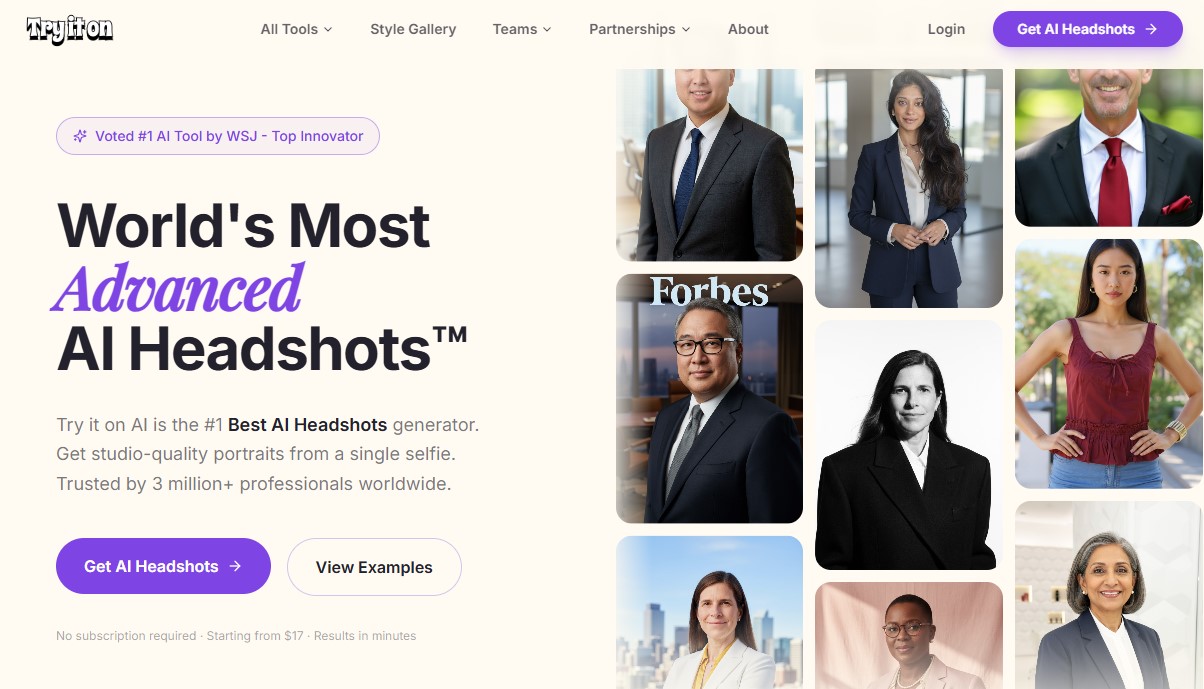 TryItOn focuses on speed and simplicity rather than deep customization.
Pros
-
Very fast generation
-
Easy onboarding process
-
Beginner-friendly
Cons
-
Output quality can vary
-
Less control over styling
Best for
-
Quick LinkedIn updates
-
Casual users
5. PortraitPal
Best for creative-style portraits
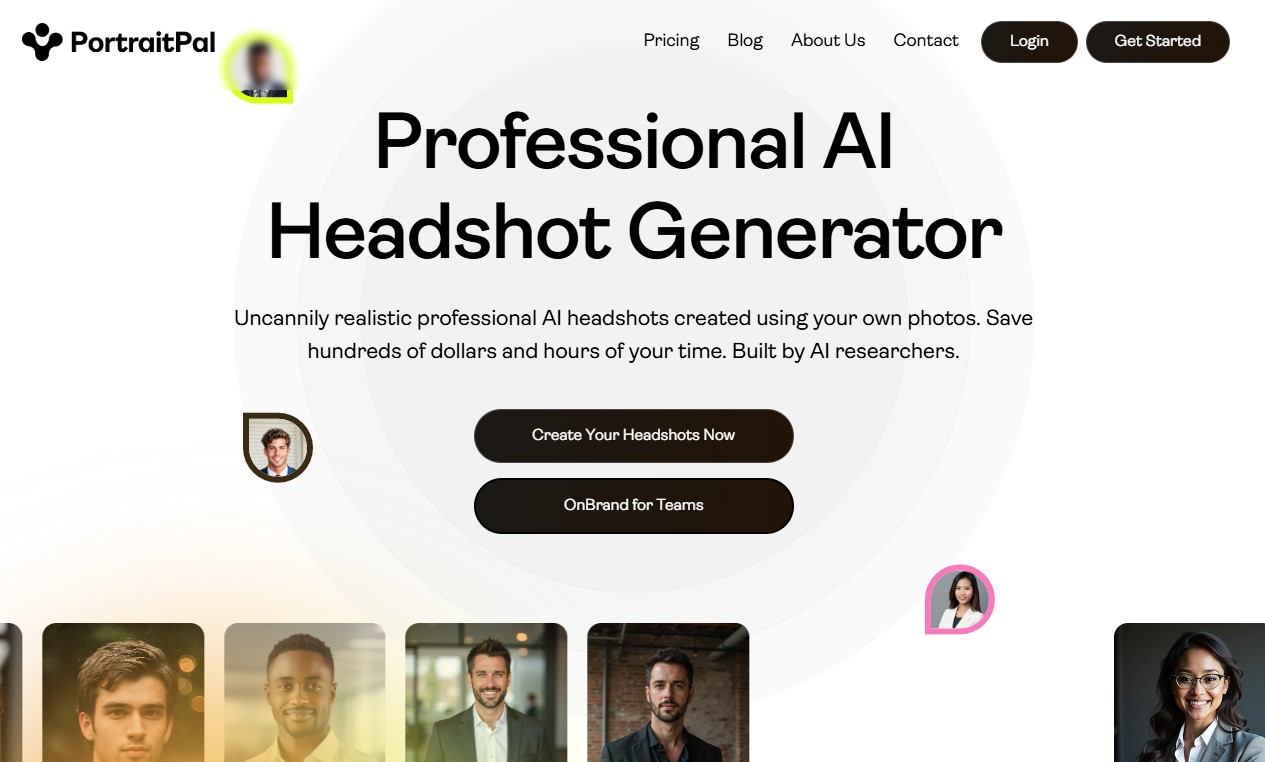 PortraitPal leans more toward artistic and stylized portraits rather than strict business photography.
Pros
-
Creative and diverse styles
-
Good for personal branding aesthetics
Cons
-
Not ideal for strict corporate use
-
Less “real photo” feel in some outputs
Best for
-
Content creators
-
Designers
-
Personal branding experiments
AI Headshot vs Real Photoshoot (Cost, Time & Quality Breakdown)
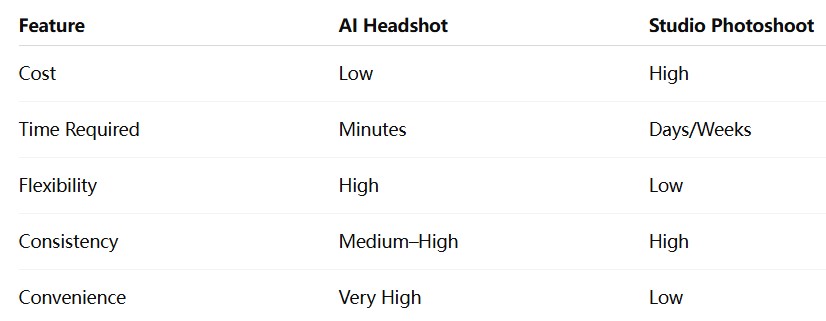 Key takeaway:
AI headshots are not replacing professional photographers completely—but they are replacing the need for expensive, repetitive personal branding shoots.
Which AI Headshot Generator Should You Choose?
Here’s a simple breakdown based on your goal:
-
Best overall quality: Visualero AI Headshot Generator
-
Most corporate and formal: Aragon AI
-
Best for teams: HeadshotPro
-
Fastest option: TryItOn
-
Most creative style: PortraitPal
If you are unsure, the safest default choice for most users is:
👉 Visualero AI Headshot Generator
How to Make AI Headshots Look More Real (Pro Tips)
Even the best tools depend heavily on input quality.
To get realistic results:
-
Use 8–15 clear face photos
-
Avoid heavy filters or beauty apps
-
Include different angles (front + slight side profiles)
-
Ensure natural lighting in input images
-
Avoid sunglasses, hats, or heavy shadows
Small improvements in input quality can dramatically improve output realism.
Common Problems with AI Headshots (And Fixes)
Problem: Face looks slightly “fake”
Fix: Upload higher-resolution, natural-light photos
Problem: Inconsistent identity across outputs
Fix: Use more varied angle inputs (not only selfies)
Problem: Strange lighting or shadows
Fix: Select studio-style presets only
Problem: Over-smoothed skin
Fix: Choose realism-focused generation modes (if available)
FAQ
Are AI headshot generators worth it?
Yes—if you need professional photos quickly for LinkedIn, resumes, or branding without hiring a photographer.
Which AI headshot generator is most realistic?
Based on our tests, Visualero AI Headshot Generator and Aragon AI produce the most realistic outputs.
Can I use AI headshots on LinkedIn?
Yes, as long as the image is realistic and represents you accurately.
How much do AI headshot generators cost?
Most range from low-cost one-time payments to subscription-based pricing, significantly cheaper than traditional photography.
Do AI headshots look fake?
They can—if the input photos are poor or if the tool lacks strong identity consistency.
Final Verdict
AI headshot generators are no longer experimental tools—they are becoming a standard part of modern personal branding.
But the difference between good and bad results is still significant.
If you want the safest overall choice for realistic, professional output:
👉 Visualero AI Headshot Generator is the strongest all-around option.
For corporate-heavy use cases, Aragon AI is a close alternative.
For everyone else, the right choice depends on speed, style, and use case—but the key is not the tool itself, rather how well it preserves your identity.
Share this article
Help others discover this content
Related Articles
View all
How to Incorporate Yourself in AI Image Generator: A Complete Guide
Struggling to make AI-generated images look like you? This guide explains how to incorporate yourself in an AI image generator, select the right photo, and use Visualero’s models for realistic results.
How to Make AI Video of Photo Without Looking Strange
Learn how to make AI video of photo without looking strange. Avoid common mistakes, improve realism, and create smooth, natural animations with simple steps.
How to Combine Two Images (3 Easy Ways That Actually Work)
Learn how to combine two images using simple methods like side-by-side layout, blending, or overlay. Includes Photoshop steps and an easier AI solution.
Create Professional AI Headshots
Generate studio-quality professional headshots in seconds. Perfect for LinkedIn, resumes, and business profiles - no photographer needed.