
Free AI Image Combiner
Intelligently blend and remix multiple images into stunning composite scenes. Just upload your images and let AI create seamless compositions.
Drop your images here
or click to browse (up to 4 images)
Supports JPG, PNG, WebP up to 16MB
Or see examples:
How to Combine Multiple Images into One Online Free
Three simple steps to create seamless image compositions
Upload Images
Upload up to 4 images you want to combine - your subject and the scene.
Describe & Generate
Add an optional description and click generate. AI will seamlessly blend your images.
Download Result
Preview your combined image and download in high resolution.
What is AI Image Combiner? Free Tool to Merge Photos Online
Visualero's Image Combiner uses advanced AI to intelligently blend multiple reference images into stunning composite scenes. Simply upload your images and describe how you want them combined - the AI handles the complex work of merging elements naturally.
Unlike basic photo editing tools that simply overlay images, our AI understands the visual elements in each image and creatively remixes them based on your description, creating entirely new compositions that maintain the essence of your source materials.
Perfect for product photography, advertising creatives, interior visualization, and artistic compositions. Create professional-quality images that would typically require hours of manual editing.
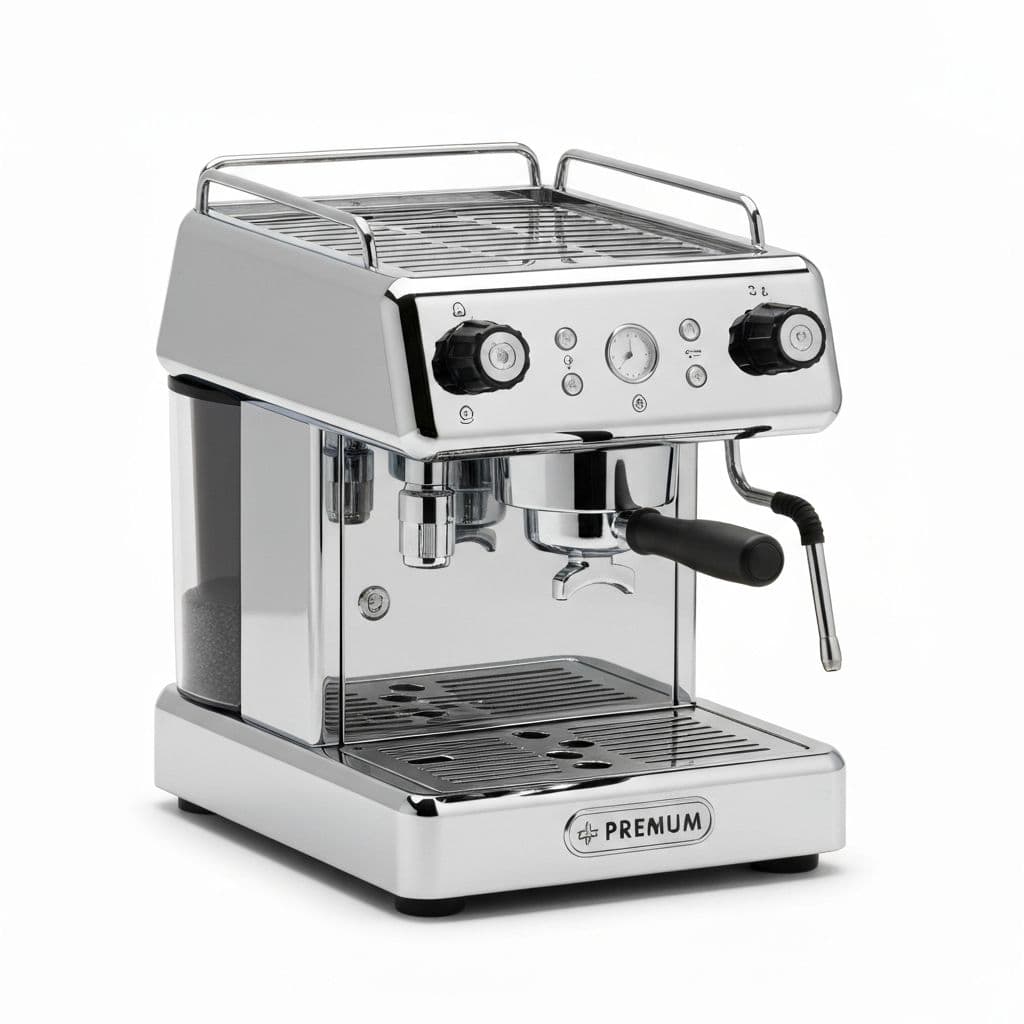
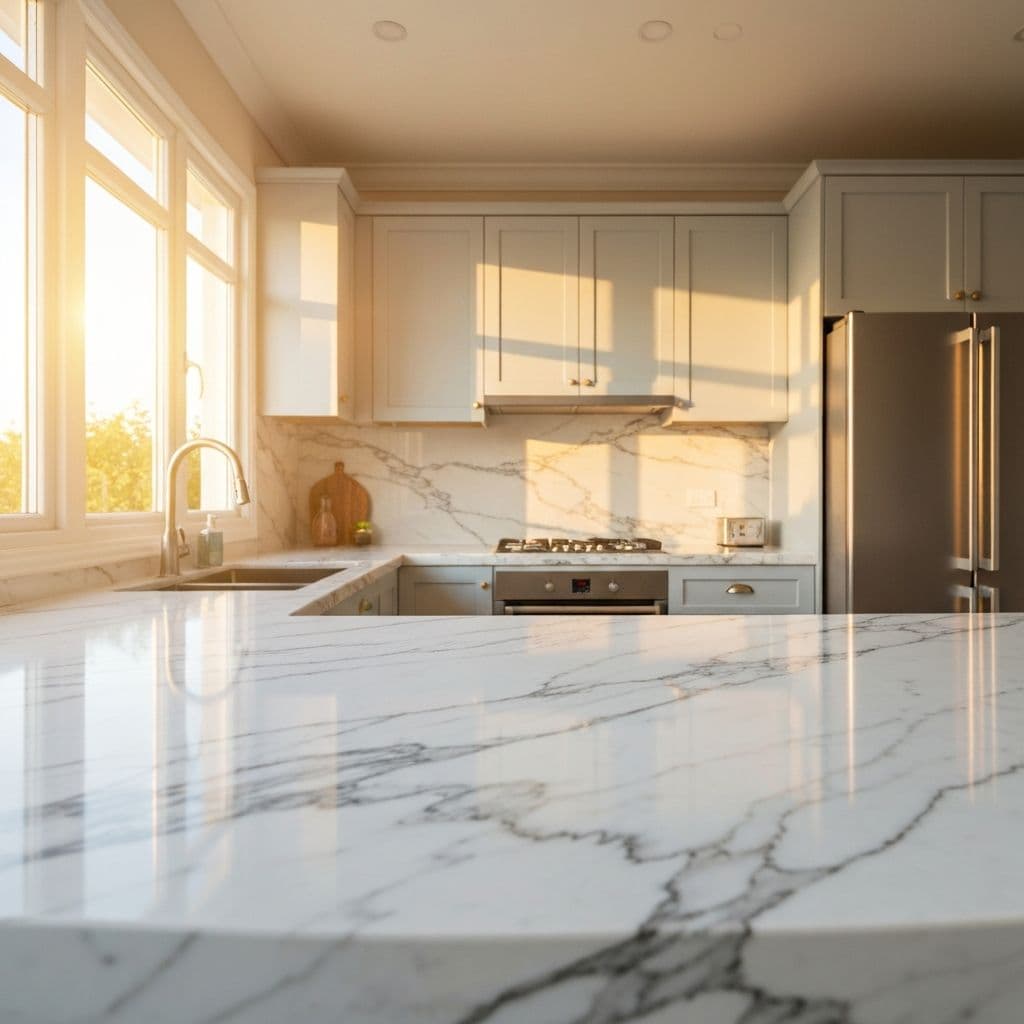
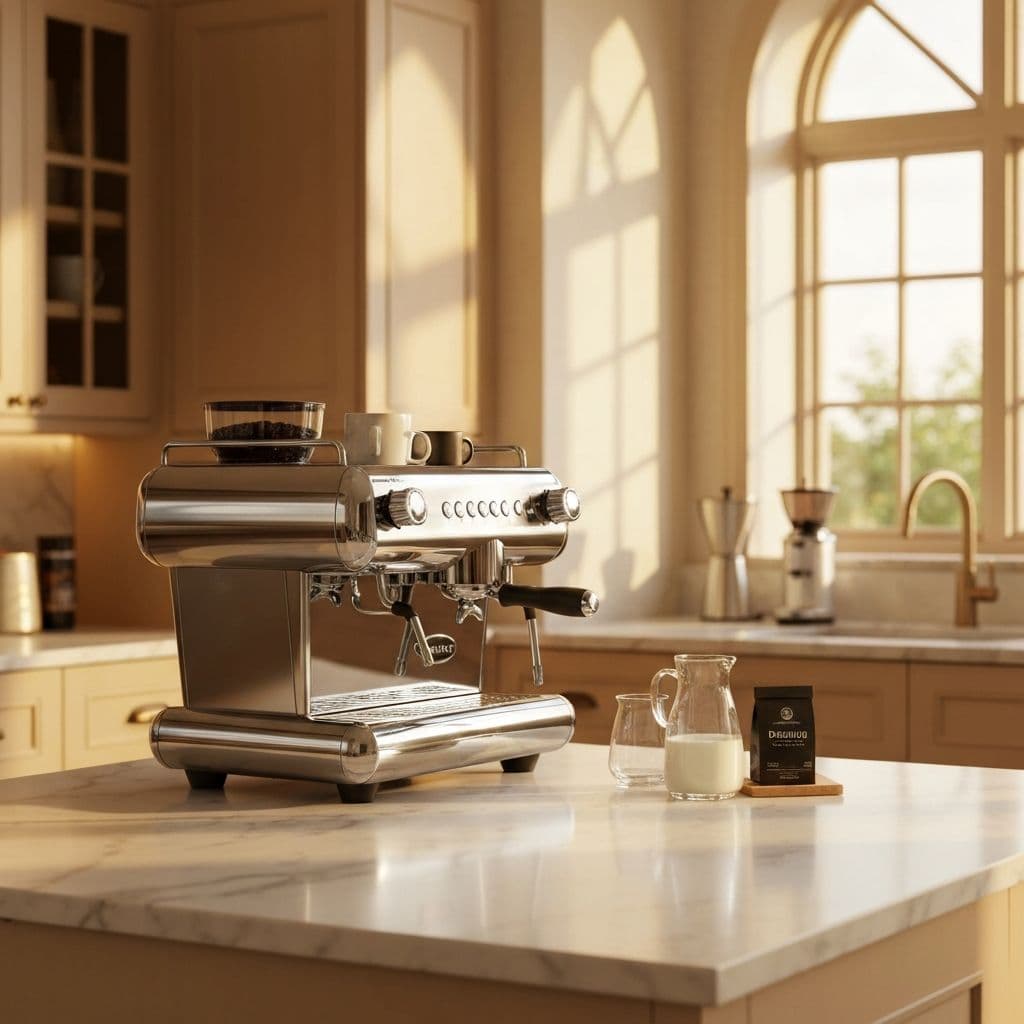
Why Choose Visualero to Combine and Merge Images Online
Create stunning image compositions in seconds without complex editing software.
AI Scene Understanding
Our AI analyzes both images to understand lighting, perspective, and context for natural blending.
Seamless Integration
Advanced algorithms ensure your subject looks naturally placed in the new scene with matched shadows and reflections.
Multiple Aspect Ratios
Output in various formats from square 1:1 to widescreen 21:9, perfect for any platform.
Image Combiner Use Cases: Product Photos, Ads & Artistic Compositions
From e-commerce to art, our AI image combiner adapts to your creative vision
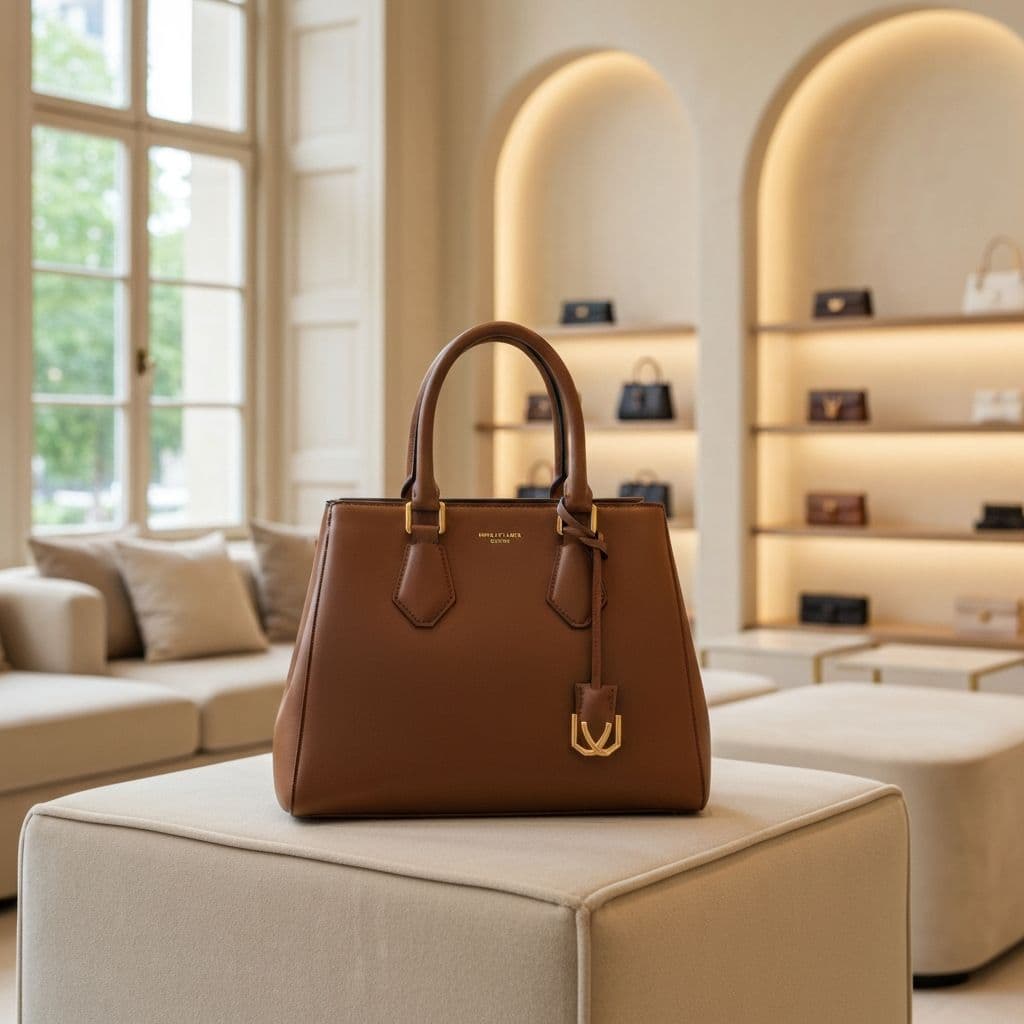
Product Photography
Place products in lifestyle scenes without expensive photo shoots.
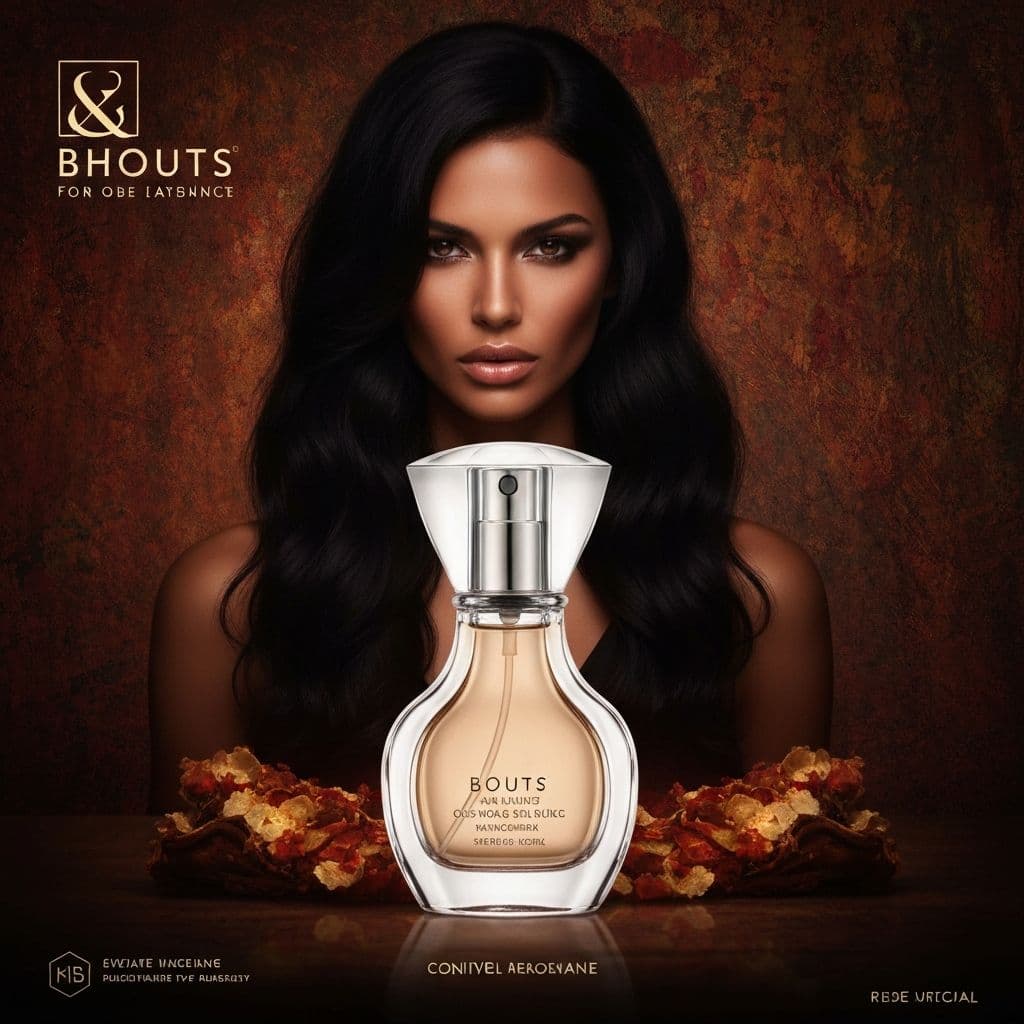
Advertising Creatives
Create eye-catching ad visuals by combining products with creative backgrounds.
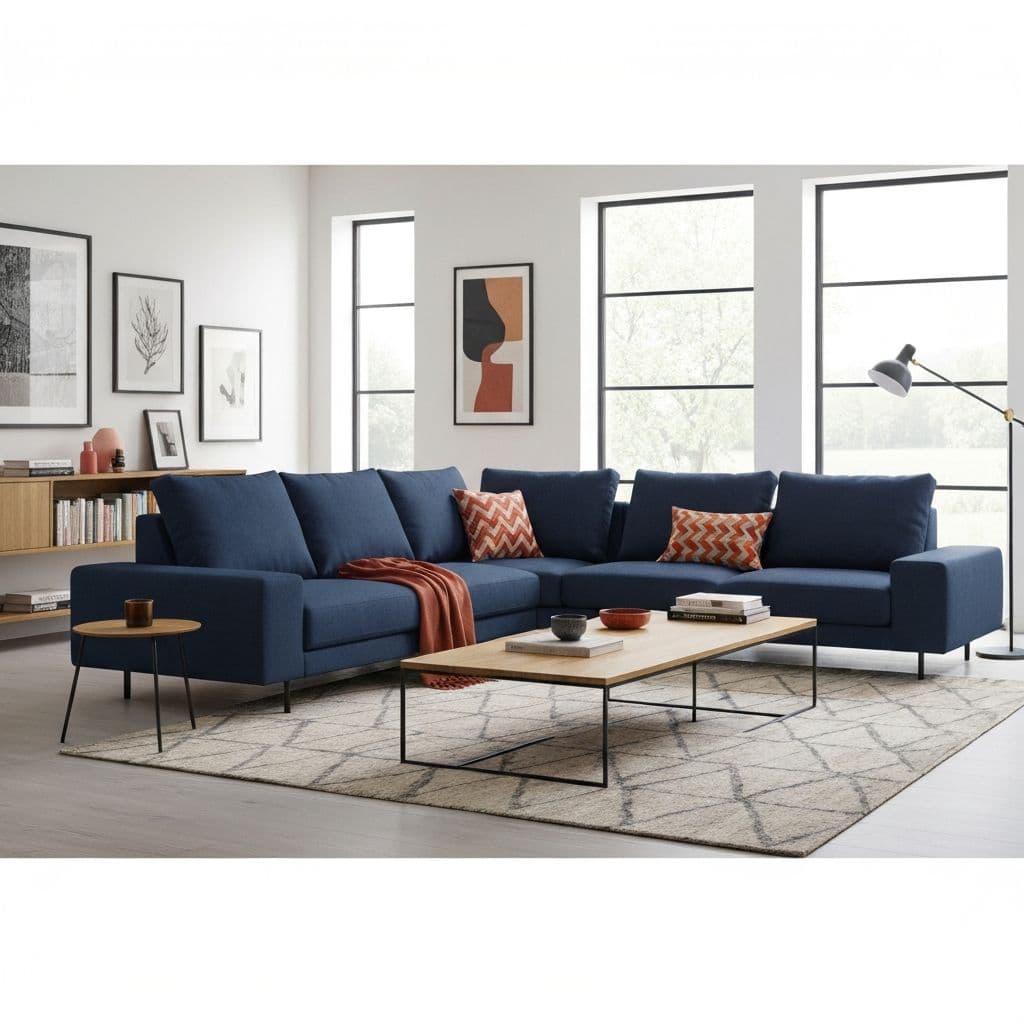
Interior Visualization
Preview furniture and decor in different room settings before purchasing.
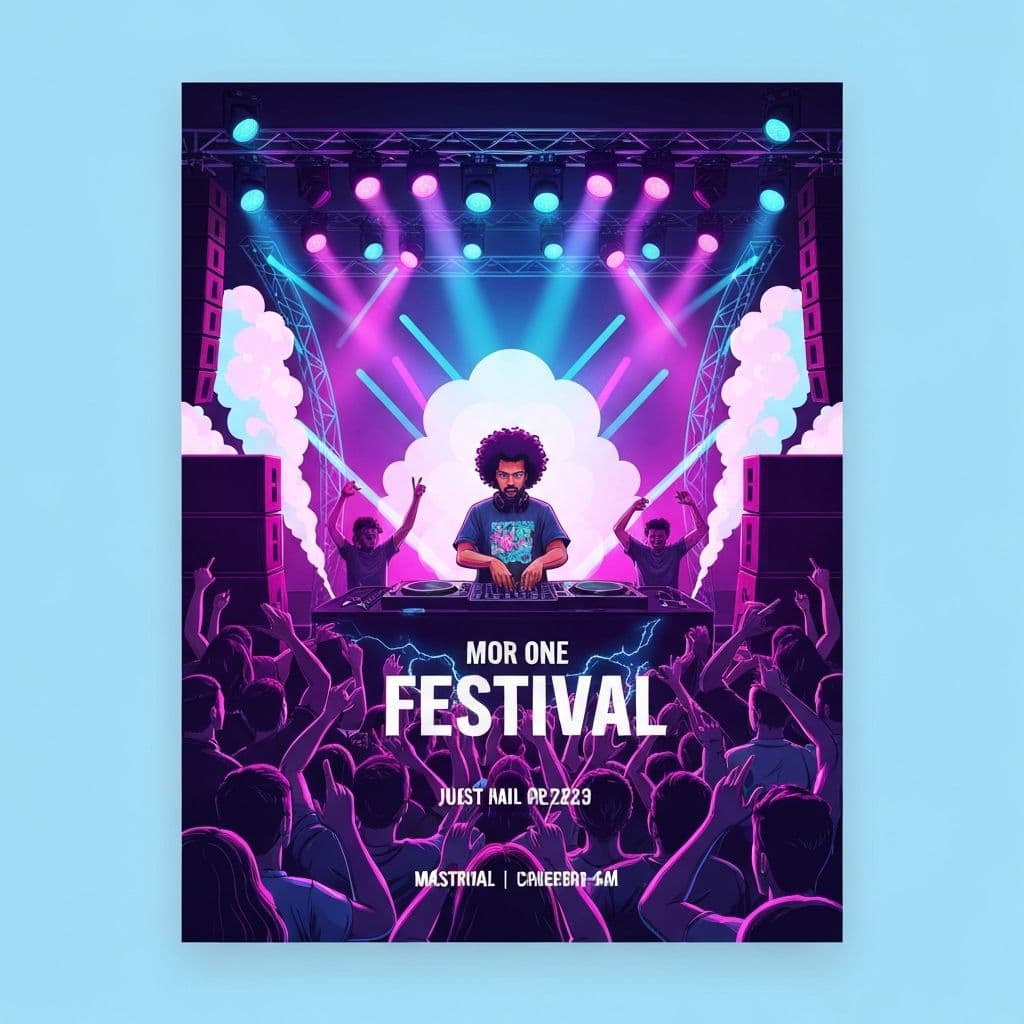
Event Marketing
Design event posters and promotional materials with themed compositions.
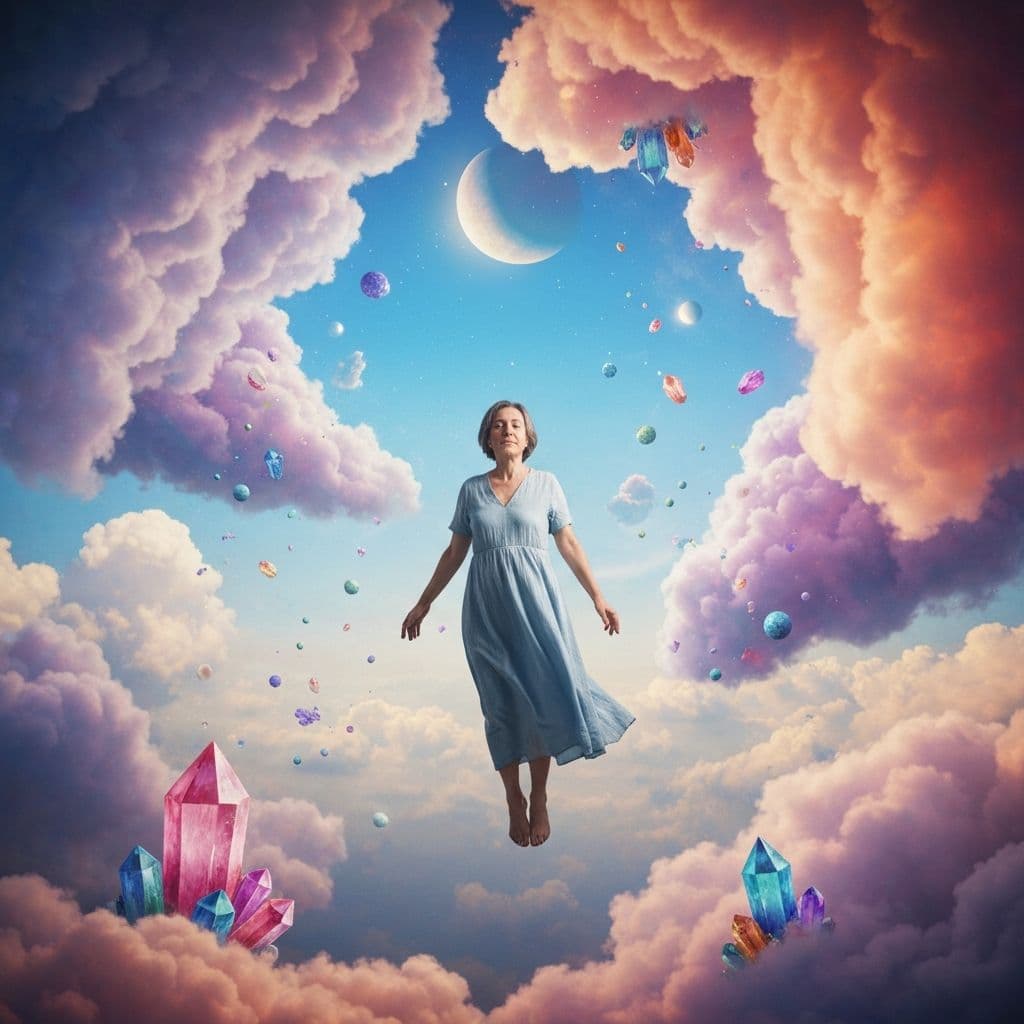
Creative Art
Merge elements from multiple images to create unique artistic compositions.
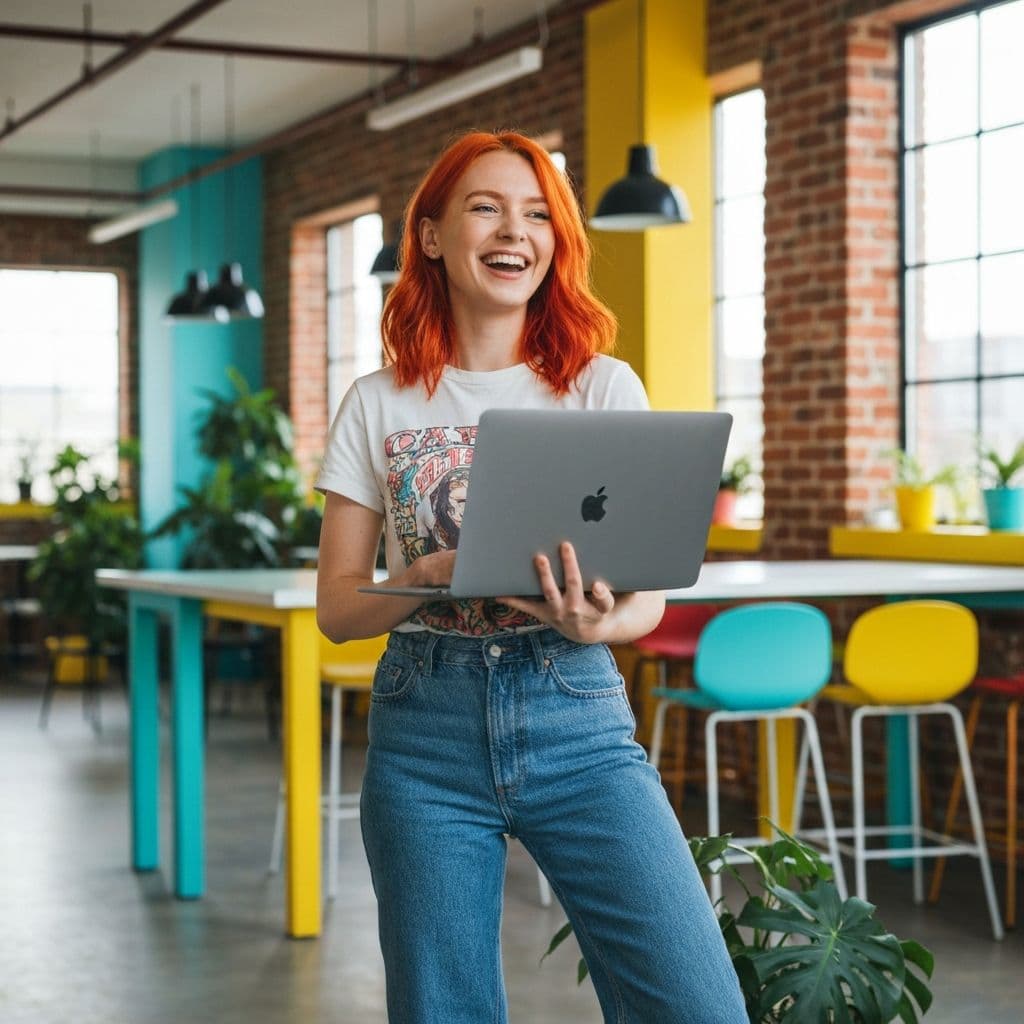
Social Media Content
Create engaging social posts by combining subjects with trending backgrounds.
Free AI Image Combiner Reviews
See why photographers, designers, and businesses choose Visualero for their image composition needs.
David C.
Shop Owner
"Good for creating product lifestyle shots. Saves money compared to expensive photoshoots."
Maria S.
Designer
"Lighting handling is decent. Not perfect for complex compositions, but works well for simple merges."
James W.
Freelancer
"Useful for quick mockups. Helps visualize products in different settings."
Sophie L.
Marketer
"Handy for social media content. Results are good enough for most purposes."
Alex R.
Content Creator
"Speeds up the composition process. The AI does a reasonable job with shadows."
Emma T.
Blogger
"Nice tool for combining images. Some images work better than others, but overall useful."
AI Image Combiner FAQ: Your Questions Answered
Get answers about combining images, lighting adjustments, and pricing.
How does AI image combining work?
Our AI analyzes your images to understand lighting, perspective, and context. It then intelligently blends them together, adjusting shadows, reflections, and colors to create a seamless, natural-looking composition.
How much does it cost to combine images?
Image combining costs 4 credits per generation. You can upload up to 4 images and describe exactly how you want them combined.
What types of images work best?
The tool works best when you have a clear subject (product, person, object) and a scene/background you want to place it in. Images with good lighting and clear subjects produce the best results.
Can I control the output aspect ratio?
Yes! You can choose from various aspect ratios including 1:1, 16:9, 9:16, 4:3, 3:4, and more. Select "Auto" to let the AI determine the best ratio.
What file formats are supported?
We support JPG, PNG, and WebP formats up to 16MB per image. The output is provided as a high-quality PNG file.
How is this different from simple photo overlay?
Unlike basic overlay tools, our AI understands scene context and automatically adjusts lighting, shadows, perspective, and color grading to make compositions look natural and professionally done.
More Free AI Image Editing Tools Online
Combine Image Combiner with our other AI tools for a complete creative workflow
AI Background Remover
Remove backgrounds
AI Background Changer
Replace backgrounds
AI Image Upscaler
Enhance resolution
AI Object Remover
Remove unwanted objects
AI Watermark Remover
Clean watermarks
AI Image Extender
Expand boundaries
AI Headshot Generator
Pro portraits
AI Logo Generator
Create logos
AI Poster Generator
Stunning posters
AI Video Generator
Create videos