
Free AI Object Remover
Brush over distractions, people, or clutter and watch AI fill in the space naturally.
Drop your image here
or click to browse
Supports JPG, PNG, WebP up to 16MB
Costs 2 credits per image
Or try with an example:
How to Remove Unwanted Objects from Photos Online Free
Four simple steps to erase unwanted objects
Upload Your Image
Drag and drop or click to upload any image. We support JPG, PNG, and WebP formats up to 16MB.
Mark the Object
Use the brush tool to paint over the object you want to remove, or describe it with a text prompt.
AI Removes Object
Our LaMa AI instantly erases the marked area and intelligently fills it with matching background.
Download Result
Get your clean, object-free image ready to download. No watermarks, full resolution.
What is AI Object Remover? Free Tool to Erase Unwanted Objects from Photos
Visualero's Object Remover uses state-of-the-art AI specifically designed for removing unwanted objects from photos. Unlike simple clone stamp tools, our AI understands the context of your image and intelligently reconstructs the missing areas.
Whether you need to remove photobombers from vacation pictures, erase watermarks, clean up product shots, or remove blemishes from portraits, our AI handles it all with remarkable accuracy and natural-looking results.
The technology works by analyzing the surrounding pixels, understanding textures, patterns, and lighting conditions, then seamlessly filling in the removed area so it looks like the object was never there.


Why Choose Visualero to Remove Unwanted Objects from Photos Online
Professional-grade object removal without complex software. Perfect for photographers, marketers, and anyone who needs clean photos.
Dual Mode Removal
Brush mode for precise control or Prompt mode for AI-powered automatic detection.
Context-Aware Fill
Our AI understands your image context to reconstruct removed areas naturally.
Seamless Results
AI intelligently fills removed areas with matching textures, patterns and lighting.
Object Remover Use Cases: Remove People, Text, Watermarks & More
Our AI object remover works great for a variety of applications

Remove Photobombers
Erase unwanted people from your vacation photos, group shots, and family pictures.

Remove Watermarks
Clean stock photos and remove distracting watermarks or text overlays.

Remove Blemishes
Clean up portraits by removing skin blemishes, wrinkles, and imperfections.
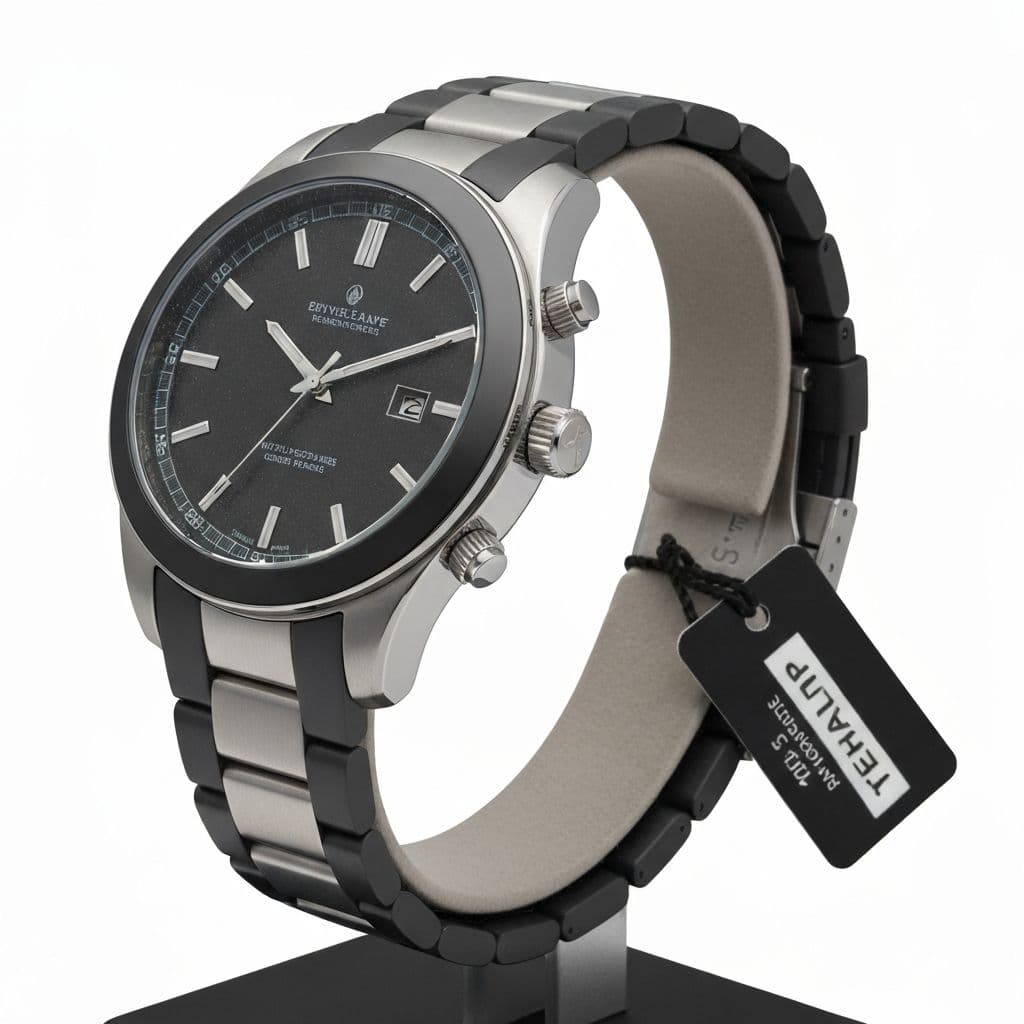
Product Photography
Remove unwanted elements from product shots for cleaner e-commerce listings.
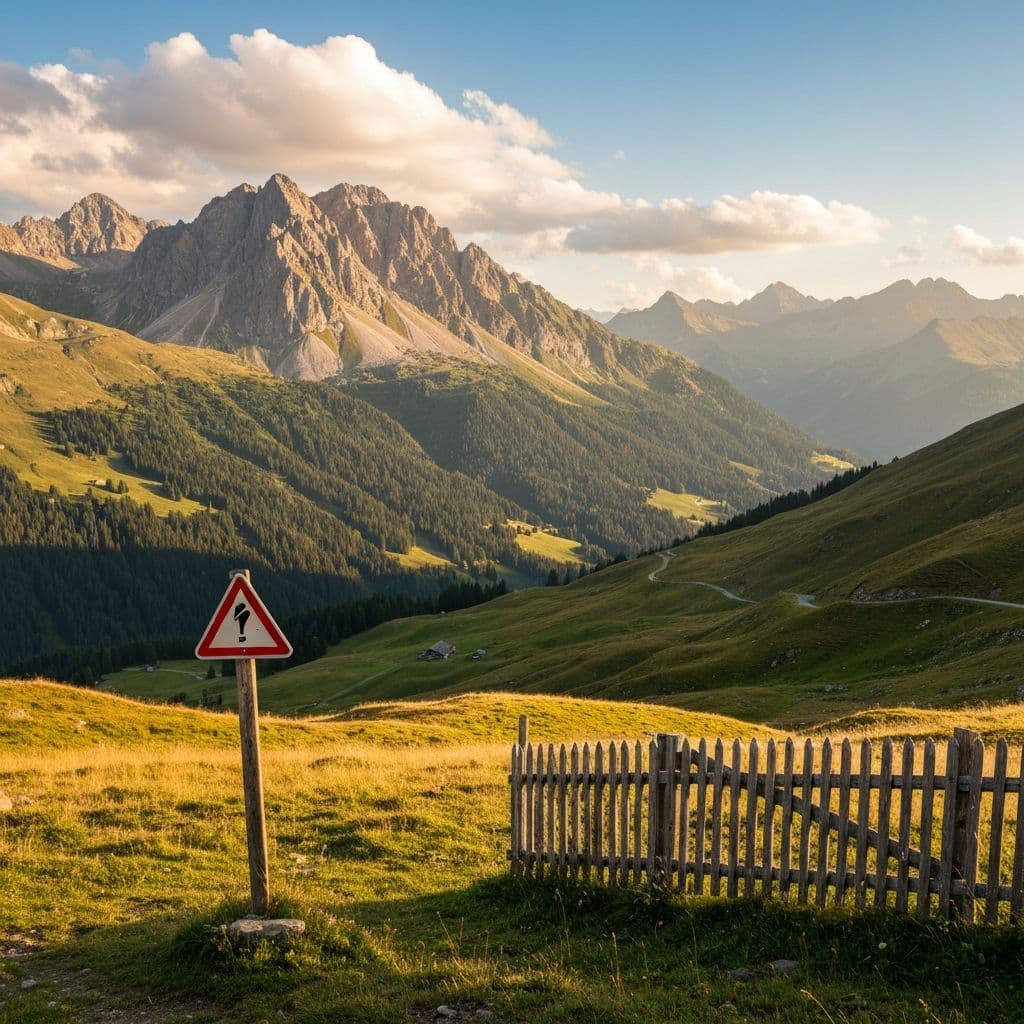
Clean Landscapes
Remove tourists, signs, or trash from scenic landscape and travel photos.

Social Media Content
Create perfect social media posts by removing distracting background elements.
Free AI Object Remover Reviews
See why professionals choose Visualero for their object removal needs.
Alex J.
Photographer
Good for removing unwanted objects from photos. Works well on most images. Saves time vs manual editing.
Maria G.
Shop Owner
Useful for cleaning up product photos. Sometimes needs a couple tries for complex removals.
Tom W.
Creator
Easy to use brush tool. AI fill-in works well for simple backgrounds.
Jennifer L.
Hobbyist
Handy for quick touch-ups. Not perfect for every situation but good for most.
Ryan M.
Freelancer
Works well for removing distractions. Property photos come out cleaner.
Sophie C.
Designer
Prompt feature is convenient. Results depend on the complexity of what you're removing.
AI Object Remover FAQ: Common Questions About Removing Objects
Everything you need to know about our object remover
Is the object remover free to use?
Yes! Our AI object remover includes free credits to get started. You can remove objects from multiple images without any upfront cost.
What types of objects can I remove?
You can remove almost anything - people, text, watermarks, logos, blemishes, unwanted items in the background, and more. The AI handles complex removals intelligently.
How does the brush tool work?
Simply paint over the object you want to remove using the brush tool. Adjust the brush size for precision. The AI will analyze the surrounding area and fill in the marked region naturally.
Can I use text prompts instead of brushing?
Yes! You can switch to Prompt mode and describe what you want to remove (e.g., "remove the person on the left"). The AI will identify and remove the described object automatically.
How accurate is the object removal?
Our LaMa AI model is trained on millions of images and provides highly accurate results. It understands context, textures, and lighting to create seamless fills.
What image formats are supported?
We support JPG, JPEG, PNG, and WebP formats up to 16MB. Results are exported in the same format as your original image.
Will the removed area look natural?
Yes! The AI reconstructs the removed area by analyzing surrounding pixels, patterns, and textures. The result looks natural, as if the object was never there.
How long does processing take?
Most images are processed in 3-8 seconds depending on the image size and complexity of the removal.
More Free AI Photo Editing Tools Online
Combine Object Remover with our other AI tools for a complete creative workflow
AI Background Remover
Remove backgrounds
AI Background Changer
Replace backgrounds
AI Image Upscaler
Enhance resolution
AI Watermark Remover
Clean watermarks
AI Image Extender
Expand boundaries
AI Image Combiner
Merge images
AI Headshot Generator
Pro portraits
AI Logo Generator
Create logos
AI Poster Generator
Stunning posters
AI Video Generator
Create videos
Ready to Remove Your First Object?
Experience fast, accurate object removal with Visualero's AI-powered tools. No Photoshop skills needed - just brush and remove.
No credit card required. Start with free credits.