
Free AI Image Extender
Stretch your canvas in any direction and let AI generate matching content to fill the new space.
Drop your image here
or click to browse
Supports JPG, PNG, WebP up to 16MB
Aspect Ratio
Costs 3 credits per image
Or try with an example:
How to Extend Image Borders with AI Outpainting Online Free
Three simple steps to expand your image boundaries
Upload Your Image
Drag and drop or click to upload any image. We support JPG, PNG, and WebP formats up to 10MB.
Choose Aspect Ratio
Select your desired output ratio like 16:9 for widescreen or 9:16 for vertical. AI will extend the image naturally.
Download Extended Image
Get your expanded image with AI-generated content that seamlessly blends with the original.
What is AI Image Extender? Free Tool to Expand Image Boundaries Online
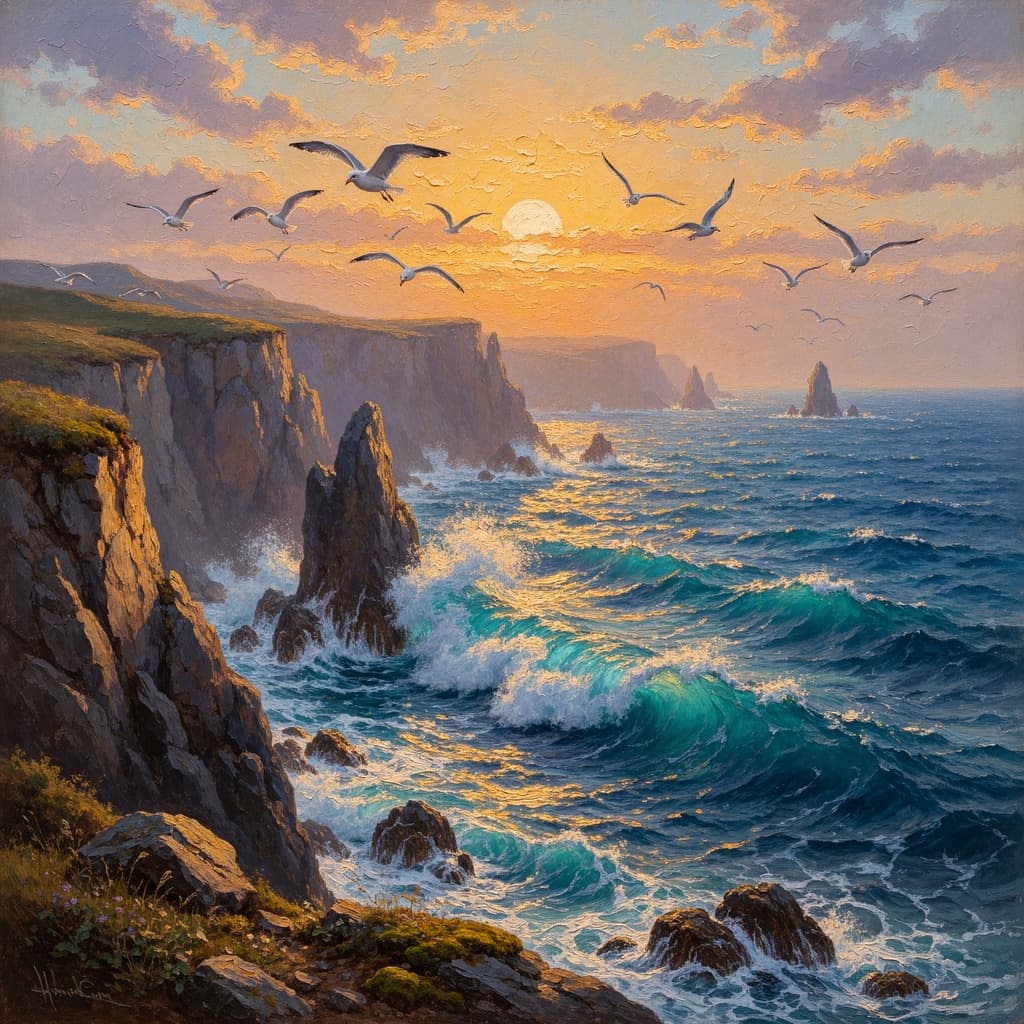
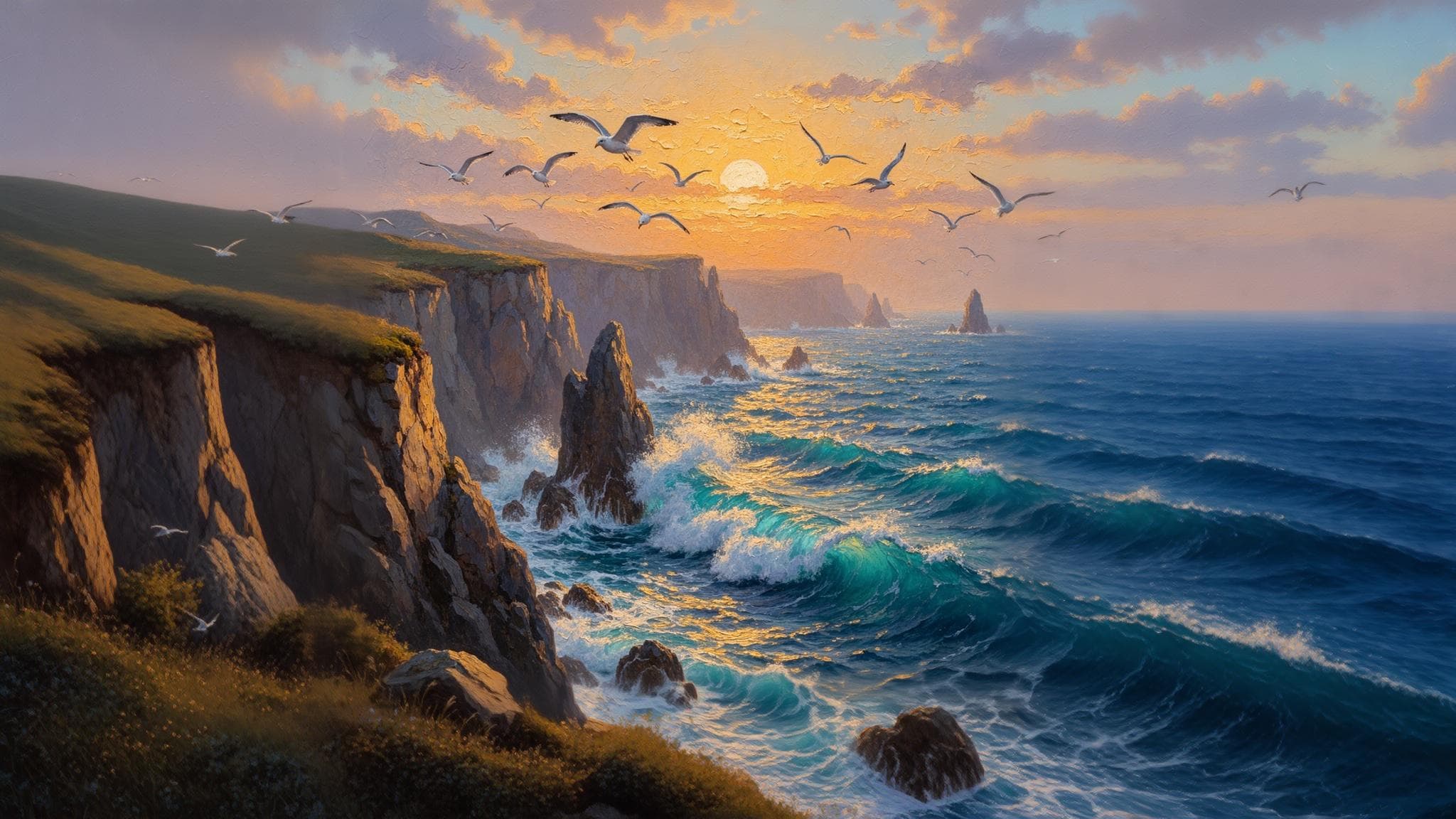
Visualero's Image Extender uses advanced AI outpainting technology to expand your images beyond their original boundaries. Whether you need to convert a portrait to landscape or add more background to a cropped photo, our AI generates contextually appropriate content that seamlessly matches your original image.
The technology analyzes your image's style, colors, lighting, and content to create extensions that look like they were always part of the original photograph. This makes it perfect for social media content creators who need different aspect ratios for various platforms.
Whether you're expanding product photos for banners, extending portraits for wider compositions, or converting vertical videos to horizontal formats, our AI delivers professional results in seconds.
Why Choose Visualero to Extend and Outpaint Images Online
Transform cropped images into full compositions. Perfect for social media, marketing, and creative projects.
Instant Expansion
Extend your images in seconds with AI that understands context and generates matching content.
Seamless Blending
AI-generated content blends perfectly with your original image, maintaining style and colors.
Multiple Ratios
Convert any image to 16:9, 9:16, 4:3, or other aspect ratios with intelligent expansion.
Image Extender Use Cases: Social Media, Banners & Wallpapers
Our AI image extender works great for a variety of applications
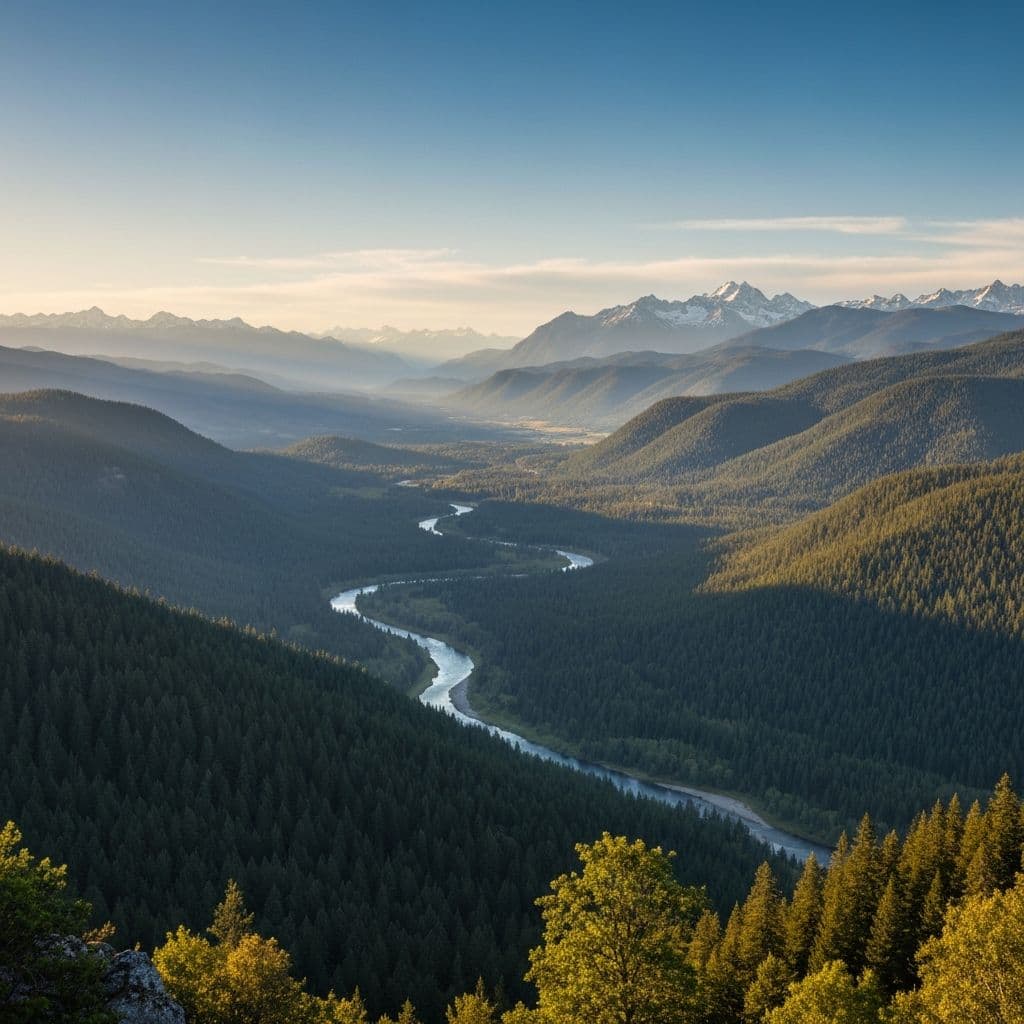
Desktop Wallpapers
Extend portrait photos to widescreen 16:9 for stunning desktop backgrounds.

Social Media Stories
Convert landscape photos to vertical 9:16 for Instagram and TikTok stories.
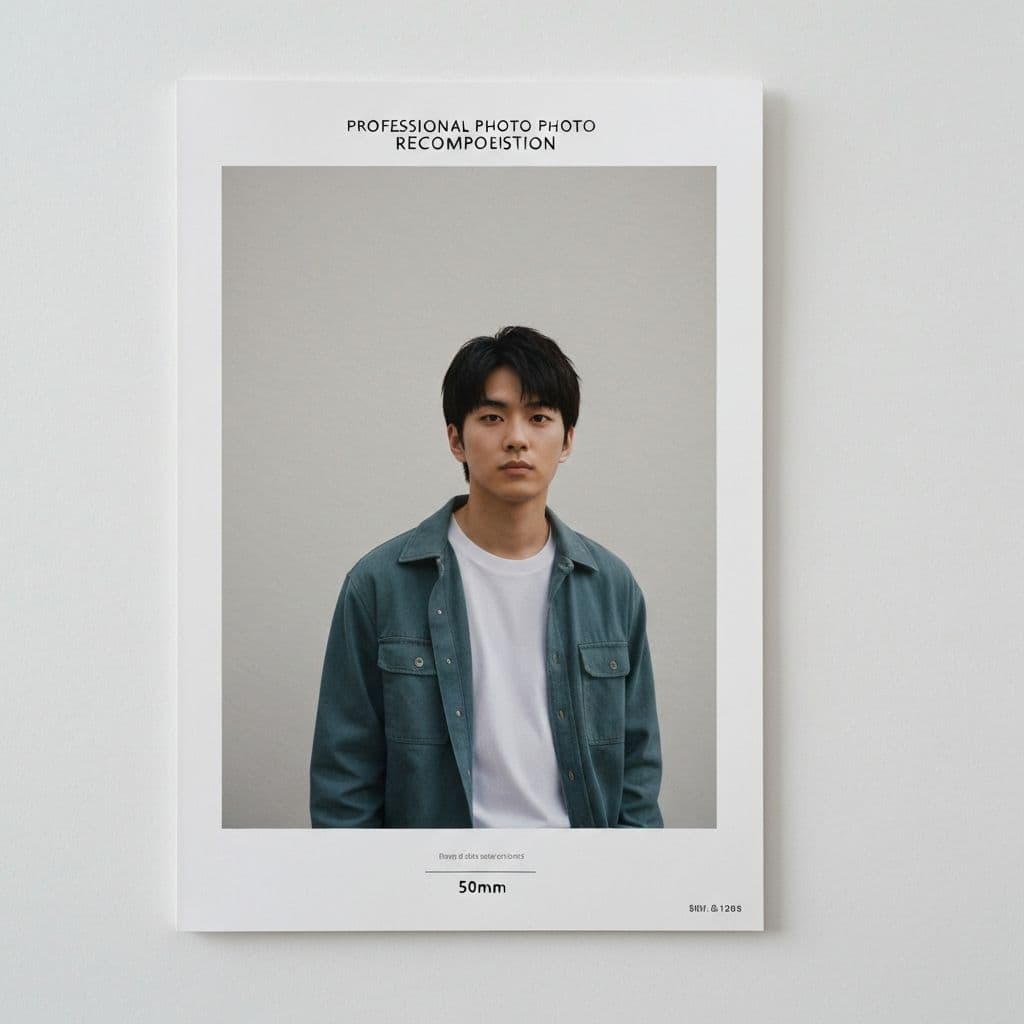
Photo Recomposition
Add more space around subjects for better compositions and cropping flexibility.

Video Thumbnails
Expand images to create eye-catching YouTube thumbnails and video covers.
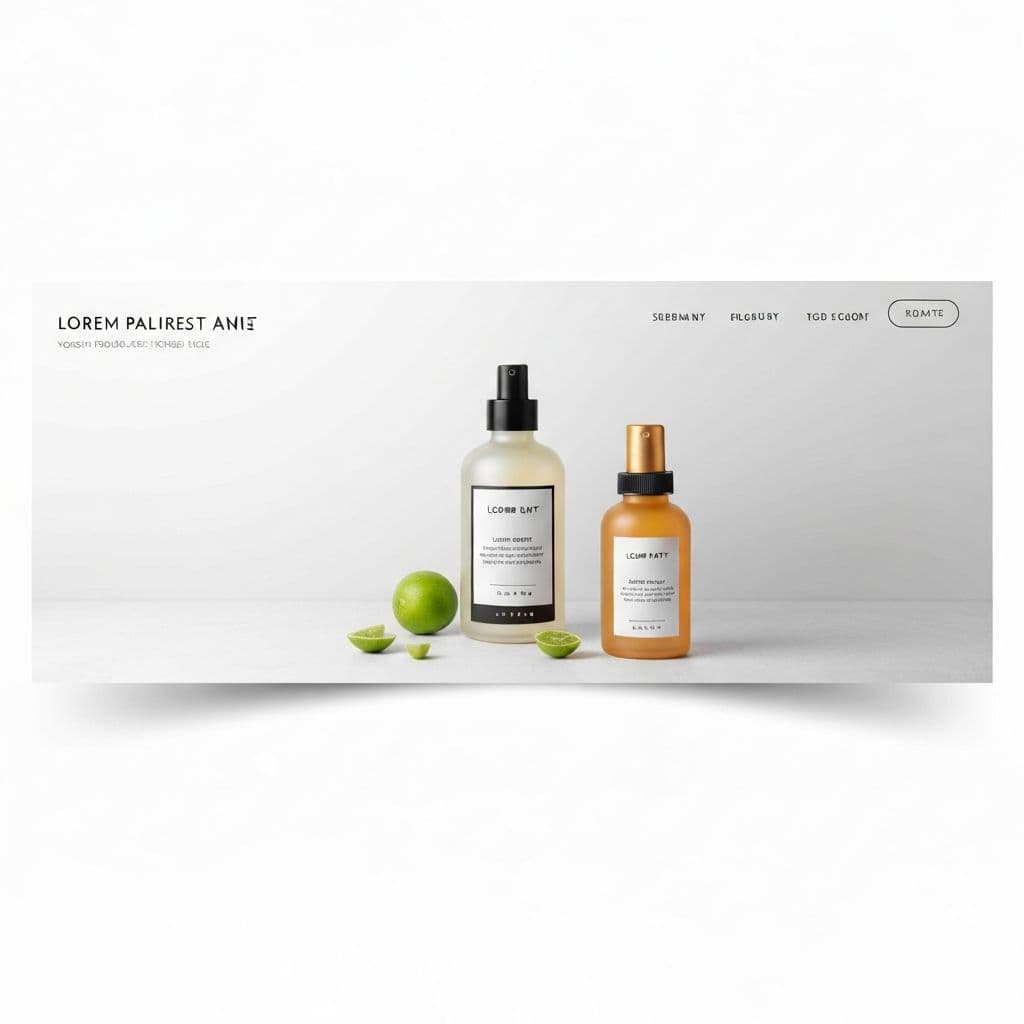
Marketing Banners
Extend product photos for website banners, ads, and promotional materials.
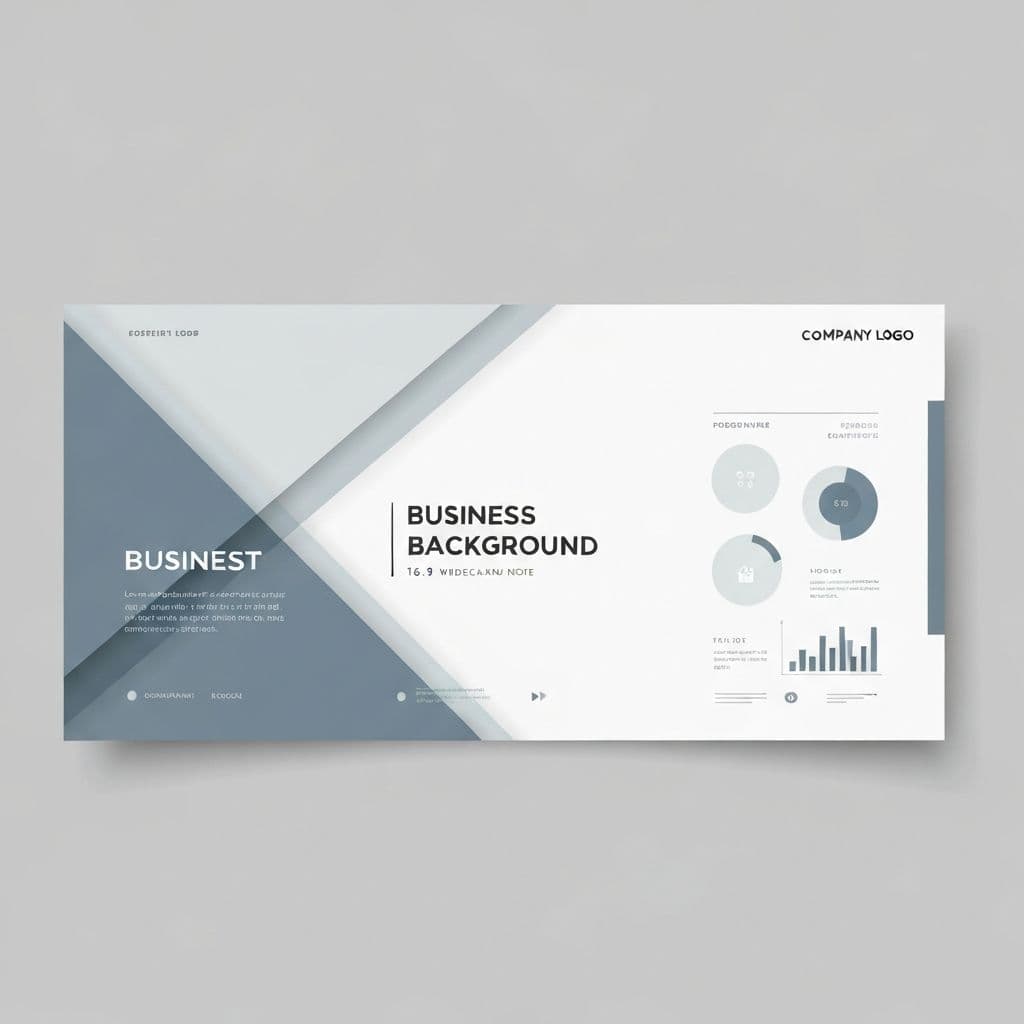
Presentation Slides
Convert any image to presentation-friendly aspect ratios with extended backgrounds.
Free AI Image Extender Reviews
See why creators, marketers, and businesses choose Visualero for their image expansion needs.
Alex T.
Creator
"Useful for extending photos to different aspect ratios. Works well for most images with simple backgrounds."
Jessica L.
Marketer
"Handy for repurposing content across platforms. Complex backgrounds can be tricky, but simple ones work great."
Marcus J.
Freelancer
"Good for adjusting photo crops. The AI does a reasonable job filling in backgrounds."
Sophie C.
Shop Owner
"Helps with product photos for banners. Some images work better than others."
Ryan P.
Photographer
"Useful for reframing shots. Not a replacement for proper composition, but helpful for quick fixes."
Amanda W.
Blogger
"Decent blending for most cases. Good for blog headers and social posts."
AI Image Extender FAQ: Your Questions Answered
Get answers about image extension, aspect ratios, and quality.
How does AI image extension work?
Our AI analyzes your image's content, style, colors, and context, then generates new pixels that seamlessly extend beyond the original boundaries. The result looks like the image was originally captured with a wider frame.
How much does image extension cost?
Each image extension costs 3 credits. This flat rate applies regardless of the original image size or the target aspect ratio.
What aspect ratios can I extend to?
We support popular ratios including 1:1 (square), 3:4, 4:3, 9:16 (vertical), 16:9 (widescreen), 4:5, and 5:4. Perfect for any social platform or display format.
Will the extended areas look natural?
Yes! Our AI is trained to understand context and generate content that matches your image's style, lighting, and color palette. The extensions blend seamlessly with the original.
Can I extend images with people or objects?
Absolutely! The AI works great with portraits, products, landscapes, and scenes. It intelligently fills in backgrounds and environments while preserving the main subject.
What is the maximum output resolution?
Extended images can be up to 5000x5000 pixels. The AI maintains high quality in both the original and extended areas.
More Free AI Image Editing Tools Online
Combine Image Extender with our other AI tools for a complete creative workflow
AI Image Upscaler
Enhance resolution
Background Remover
Remove backgrounds
AI Background Changer
Replace backgrounds
Object Remover
Remove unwanted objects
Watermark Remover
Clean watermarks
AI Image Combiner
Merge images
Headshot Generator
Pro portraits
Logo Generator
Create logos
Poster Generator
Stunning posters
Video Generator
Create videos
Ready to Extend Your First Image?
Expand your images and create perfect compositions for any platform with Visualero's AI-powered image extension tool.
No credit card required. Start with free credits.